
Turn Your Photo to Avatar With AI
Learn how to turn your photo to avatar using AI. Our guide covers selecting photos, mastering prompts, and using your new digital identity everywhere.
Table of Contents
Turning a photo of yourself into a custom avatar is more than just a neat trick; it's how you build a digital identity that's truly yours. We're talking about using AI tools to transform a real photograph into something that perfectly captures your style, whether that's professional, artistic, or something completely out there. It gives you total control over how you show up online.
Why Your Digital Identity Needs a Custom Avatar
Let's face it, the internet is flooded with default profile pictures and generic cartoons. A custom avatar is your chance to make a real digital handshake. It’s the first thing people see on social media, professional sites like LinkedIn, or even in the gaming world. When you turn your photo into an avatar, you're not just making a cool image—you're crafting a personal brand that people will actually remember.
This image shows just how far avatars have come, from simple icons to the incredibly detailed representations we can create today.

The shift toward AI-generated images shows just how much we want our online selves to be unique and personal.
Crafting a Memorable Online Presence
A great custom avatar makes you instantly recognizable. Think of it as a logo for you. When someone sees it, they should immediately connect it to you, your work, or your content. Keeping that avatar consistent across all your platforms is a simple way to build a strong digital footprint and stick in people's minds.
But it goes beyond just being recognizable. A unique avatar offers some real perks:
- Show Off Your Personality: It’s your space to get creative. You can go for a polished, professional headshot, a gritty cyberpunk look, or even a classic oil painting style.
- Keep Your Privacy: Using an AI-generated avatar means your actual photo isn't just floating around online for anyone to misuse. It’s a way to stay personal and realistic without sacrificing privacy. You can find out more about how an AI profile picture maker achieves this.
- Look More Professional: For work, custom avatars give your team a polished and consistent look across company profiles, email signatures, and marketing materials—all without the expense and hassle of a full-blown photoshoot.
The numbers don't lie. The global digital avatar market is exploding and shows just how important this is becoming. Projections estimate the market could be worth around $745.1 billion by 2033, a huge jump driven by social media and gaming. It’s a clear sign that a unique digital identity is no longer a "nice-to-have" but a necessity.
Picking the Right Photos to Train Your AI
The secret to a great AI avatar? It all comes down to the photos you feed the model. Think of it as teaching an artist to draw you—the better their reference pictures, the more the final portrait will actually look like you. Getting a fantastic avatar starts with giving the AI a solid, diverse collection of images to learn from.
Your main goal is to show the AI your face from every angle and with different expressions. A couple of your favorite selfies won't be enough. You'll want to gather between 10 to 20 photos that really capture who you are in different situations.
This infographic breaks down the essentials for putting together a winning photo set.
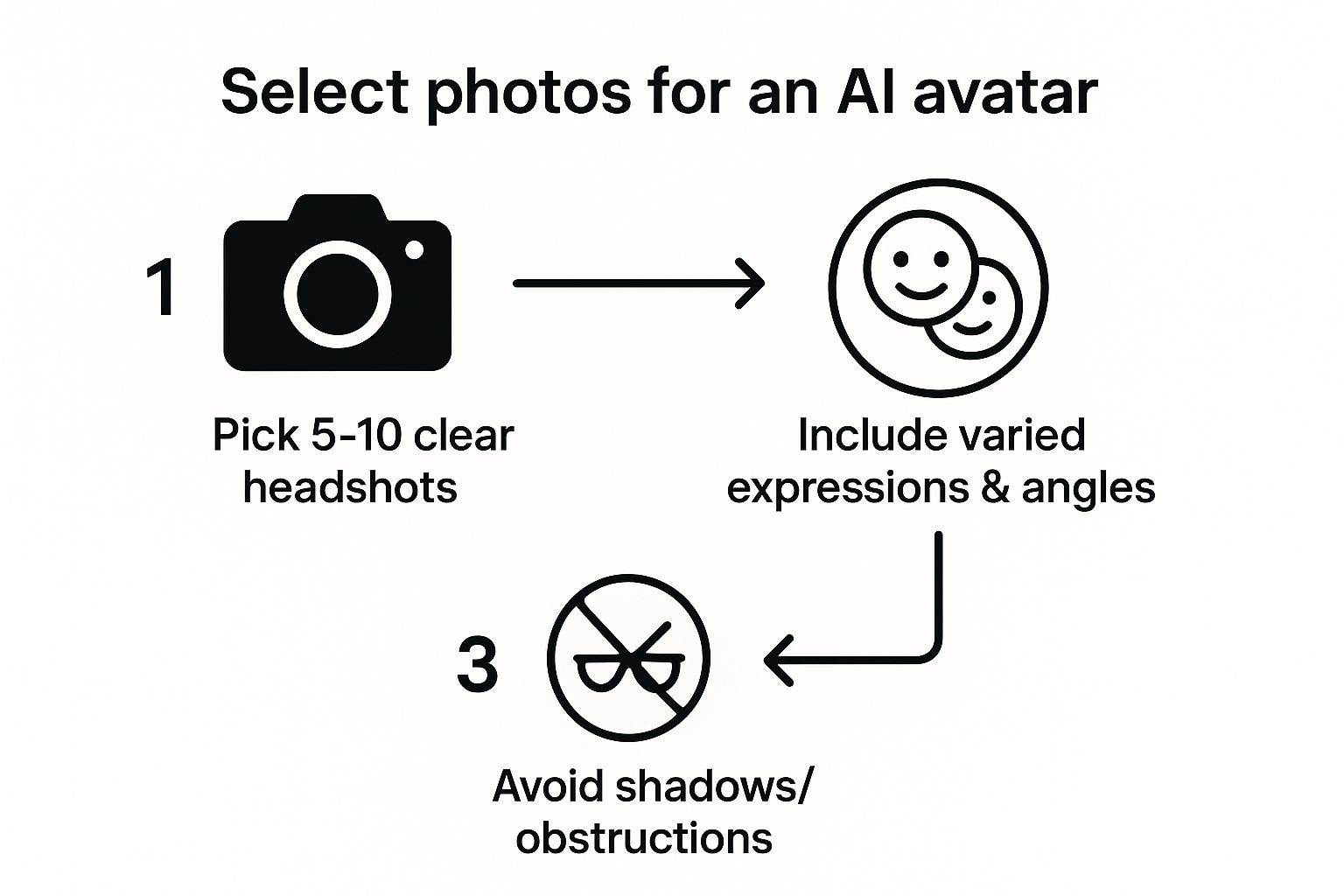
As you can see, the formula is simple: clear headshots, a mix of expressions, and nothing blocking your face. This gives the AI clean data to work with, which is exactly what you want.
What Makes a Good Photo Set?
For the most accurate avatar, variety is everything. The AI needs to see your face when you’re smiling, when you’re serious, and everything in between. It also needs to understand what you look like from the side, not just straight on. This is what helps it build a truly three-dimensional version of you.
Here are a few things I always tell people to do:
- Mix Up Your Angles: Make sure you include photos from the front, a few three-quarter views, and at least one or two side profiles. This is crucial for getting the shape of your face right.
- Show Off Your Expressions: Don't just upload smiling pictures! A few neutral or even serious expressions will give the AI a much better range to work with, making your final avatars way more versatile.
- Change the Scenery: While simple, clutter-free backgrounds are ideal, using photos from a few different locations helps the AI learn to separate you from your surroundings. If you need some inspiration, check out these creative photoshoot ideas.
The bottom line is this: a one-dimensional set of photos will give you a one-dimensional avatar. If all your pictures are from the same angle with the same smile, your AI creations will look flat and repetitive. The more variety you provide, the more realistic and flexible your avatars will be.
Common Pitfalls to Sidestep
Knowing what not to upload is just as important as knowing what to include. Some things can really throw the AI off and lead to a lower-quality avatar. Anything that hides your face or distorts your features is a no-go.
Be sure to leave these types of photos out:
- Sunglasses or hats: The AI needs to see your eyes, eyebrows, and hairline clearly.
- Harsh shadows or bad lighting: Strong shadows can completely change the appearance of your features and confuse the model.
- Group photos: The AI needs to know who to focus on. Keep it to just you in the frame.
- Heavy social media filters: Filters from Instagram or Snapchat alter your face, and the AI will create an avatar that looks like the filter, not like you.
By taking a few extra minutes to choose your photos carefully, you're setting yourself up for a photo to avatar result you'll be excited to share.
Bringing Your Avatar to Life with YourAIPhotographer
Alright, you’ve gathered your best photos, and now for the fun part: creating your digital double. This is where YourAIPhotographer steps in, taking your collection of images and turning them into a personalized AI model that really gets your look. The whole process is surprisingly simple.
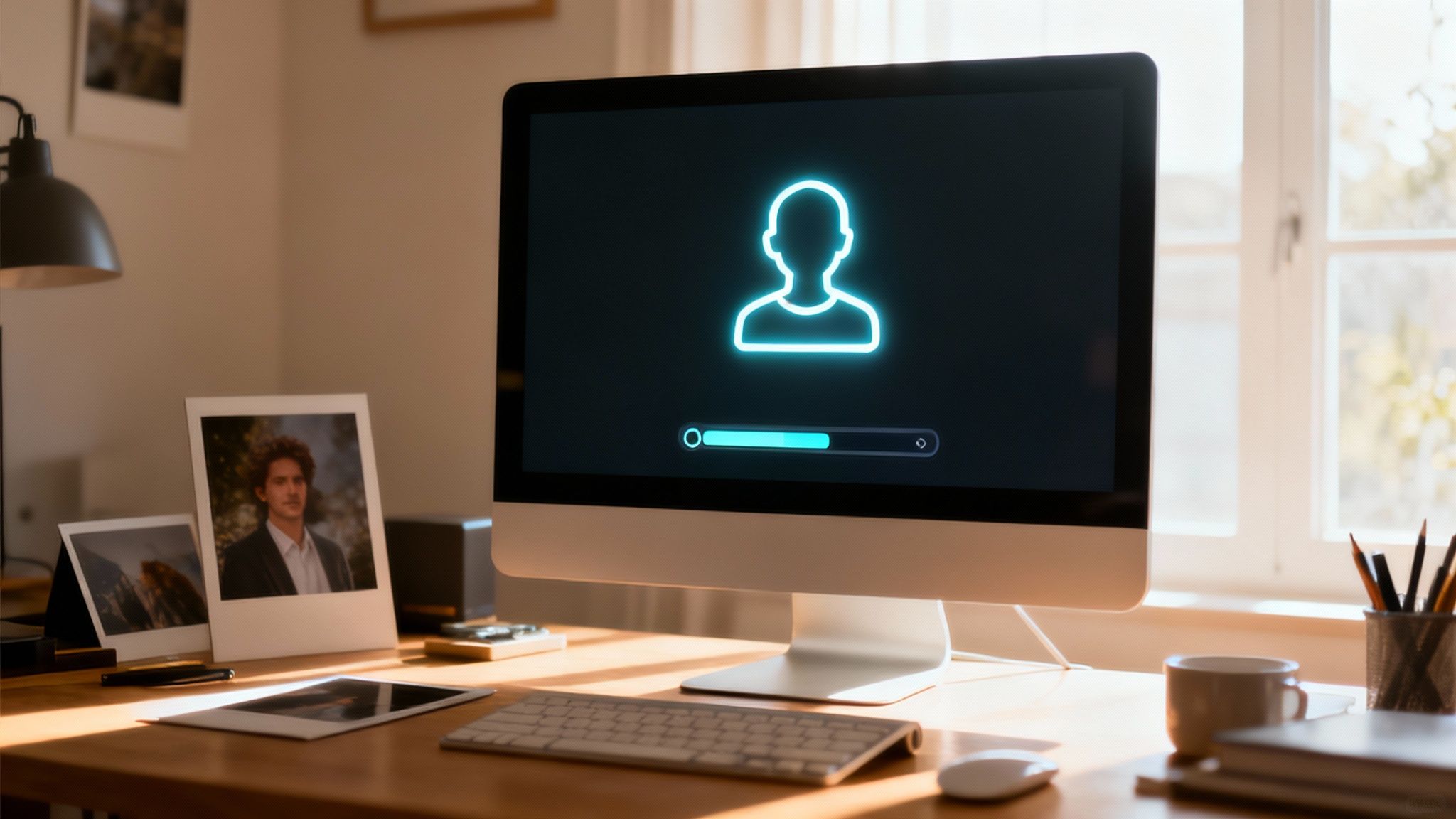
First thing's first, you'll upload those photos you picked out. Just drag and drop them, and the platform’s AI will immediately start training its own custom model of you. This usually only takes a few minutes. During this time, the system is busy analyzing everything—your facial structure, your common expressions, and all the little details—from the different angles you provided.
From Your Photos to Your First Avatar
You can think of this training phase like an artist studying your portraits to learn how to paint you perfectly. Once it's finished, you'll have a unique AI model that's ready to create images from simple text descriptions, which we call prompts. Best of all, you don't need any special technical skills to make it happen.
The concept is really straightforward: you provide the face, and the AI builds the world around it. Your trained model acts as the bridge, connecting your real-world look to countless creative scenarios. It lets you drop yourself into any scene or style you can dream up.
This isn't just a niche hobby anymore. The market for AI avatar apps is booming, with some projections showing it could hit $9.78 billion by 2025. It’s a clear sign that tools like this are quickly becoming a go-to for both personal and professional branding.
How the Creation Process Works
After your model is trained, you can start generating avatars immediately. The platform is built for playing around and experimenting with different looks. You can try out endless styles and scenes without ever needing to re-upload your photos. If you're curious about all the features, you can learn more about our specific avatar AI capabilities.
To give you a better feel for the workflow, here’s a quick overview of what to expect when you're using the tool.
Key Stages of Avatar Creation
This table breaks down the entire process from start to finish, so you know what's happening at each point.
| Stage | What You Need to Do | Why It Matters |
|---|---|---|
| Upload Photos | Select and upload your 10-20 curated images to the platform. | This gives the AI the essential data it needs to accurately learn your unique facial features. |
| Train Model | Start the training process and give it a few minutes to build your model. | This is what creates your personalized digital version that you can use over and over again. |
| Generate with Prompts | Write simple text prompts describing the scene, style, or outfit you envision. | This is your creative control—it tells the AI exactly what kind of image you want to generate. |
| Download & Share | Look through the avatars, save the ones you love, and export them for use. | This is the final step! Your new digital identity is ready for social media, games, or anything else. |
As you can see, the whole workflow is built for speed and creativity. You can go from a basic idea to a polished, high-quality avatar in just a few minutes. For a more general overview that isn't specific to our platform, this is a great step-by-step guide on how to create an AI avatar from your photo.
Mastering Prompts for One-of-a-Kind Avatars
Alright, your personalized AI model is trained and ready to go. This is where the real fun begins. Now, you're in the director's chair, and the text prompt is how you tell the AI exactly what you want it to create.
Think of it this way: the AI already knows your face. Your job is to give it the scene, the style, and the story. Specificity is your best friend here. If you just type "a cool picture of me," the AI has to guess what "cool" means. You'll get much better results from your photo to avatar conversion by giving it more to work with.
Adding Style and Context
This is your chance to get creative. A few well-chosen keywords can take a basic portrait and turn it into something truly unique. You're essentially painting a picture with your words.
Here are a few ideas to get you started:
- Go for an artistic feel: Try adding phrases like "in the style of an oil painting," "watercolor illustration," or "a detailed pencil sketch."
- Set a specific vibe: Use descriptive themes like "cyberpunk aesthetic," "vintage 90s polaroid," or "epic fantasy art" to transport yourself into a different world.
- Control the lighting: Words make a huge difference. Try "soft cinematic lighting," "glowing golden hour," or "casting dramatic shadows" to set the mood.
I've seen how just a tiny tweak in the prompt can shift the entire feel of an avatar. You can generate a polished, professional headshot one minute and a gritty sci-fi character the next—all from the same AI model.
Practical Prompting Examples
Let's break down how this works in practice. A vague prompt like "a photo of me" is a starting point, but it's not going to blow you away.
Now, let's build on that with a few layers of detail:
- The Simple Ask: "A professional headshot of me for LinkedIn."
- Getting More Specific: "A professional corporate headshot of me, wearing a blue suit, standing in a modern office with a blurred background."
- Going for the "Wow" Factor: "A cinematic headshot of me as a CEO, dramatic lighting from the side, looking confidently at the camera, 8k resolution."
See the difference? Each layer of detail guides the AI closer to the exact image you have in your head.
Writing good prompts is a skill that gets better with practice. For more advanced tips, check out our full guide on how to make AI images of yourself. And if you ever feel stuck, using an AI prompt maker tool is a great way to brainstorm some fresh ideas. Before you know it, you'll be crafting incredible avatars that are truly your own.
Using Your AI Avatar for Professional Branding
Think of an AI avatar as more than just a creative profile picture. It’s a serious asset for your professional brand. We're seeing a big shift away from just social media fun; businesses are now using this tech to create high-quality, consistent headshots for their entire teams. This completely sidesteps the logistical nightmare of a traditional company-wide photoshoot.
Imagine getting your whole team set up with perfectly uniform headshots for LinkedIn, email signatures, and the company directory. That kind of consistency projects a polished, unified brand image to the world. By turning a simple photo into an avatar, you get that professional look without the usual time and expense.
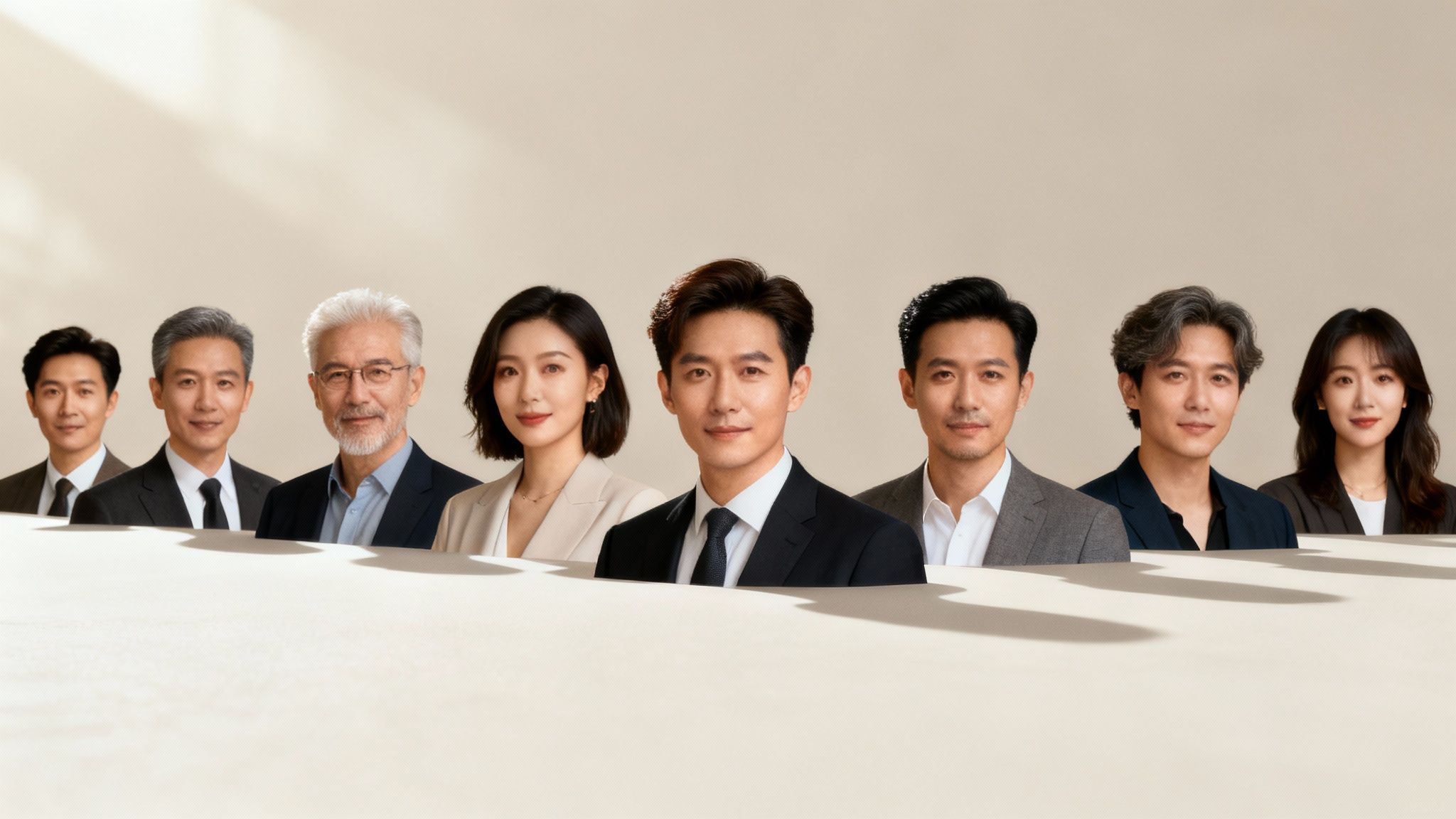
This isn't just about being efficient. It's about building a modern, adaptable brand identity that can keep up.
Expanding Brand Presence With AI
The smartest companies I've seen are taking this a step further. They're weaving AI avatars into different parts of their daily operations, which is completely changing how they connect with customers and even train their own people.
Here are a few real-world examples of how it's being used:
- Virtual Brand Ambassadors: You can create a digital spokesperson for your marketing campaigns or social media. It's a face that perfectly represents your brand's values, 24/7.
- Engaging Training Materials: Instead of stock photos, you can build more relatable training modules using avatars of actual team leaders or custom-made personas.
- Cost-Effective Advertising: Need a diverse set of on-brand images for an ad campaign? Now you can generate them without having to hire models or book expensive photoshoots.
The rise of AI in professional settings is happening fast. New research shows that a staggering 95% of people now rely on AI avatars in virtual meetings. This just goes to show how deeply this technology is becoming part of our daily work lives.
Your Professional Image Reimagined
For you as an individual, an AI-generated headshot gives you an incredible amount of control over your personal brand. You can craft the exact look you want for any professional platform—whether it's a formal corporate portrait or something a bit more creative and approachable.
Fine-tuning your online presence is non-negotiable for networking and career growth, and a great avatar can make all the difference. For more on this, take a look at our tips for creating the best LinkedIn profile pictures.
This approach gives you the power to adapt your professional image as your career changes, making sure your digital first impression is always a strong one.
Still Have a Few Questions? Let's Clear Things Up
Even with a straightforward tool, it's totally normal to have a few questions before you dive in. I get these all the time, so let's walk through some of the most common ones I hear from people turning their photos into avatars for the first time.
So, How Many Photos Do I Really Need?
I always tell people to aim for a sweet spot of 10 to 20 good photos. Think of it like giving the AI a complete picture of you. You want to provide enough different angles, expressions, and lighting so it truly understands your features.
A diverse set of pictures is what makes the difference between a generic-looking avatar and one that nails your likeness every single time, no matter what crazy style you throw at it.
What Happens to My Photos? Is My Data Safe?
This is a big one, and rightly so. Reputable platforms put your privacy first. When you upload your photos, they're only used for one thing: training your personal AI model. They aren't shared or used for anything else.
In fact, once the training is done, your original photos are usually deleted for good.
As a rule of thumb, always give the privacy policy a quick scan. But with a solid service, you can be confident your images stay yours and yours alone.
Can I Use These Avatars for My Business?
Absolutely. This is one of the best parts. Most platforms, including YourAIPhotographer, give you full ownership and commercial rights to the avatars you generate.
That means you’re free to use them for pretty much anything—your company’s social media, marketing materials, a new product line, you name it. No hidden fees or royalties.
What if I Don't Like the First Batch of Avatars?
Don't sweat it! Getting a less-than-perfect result happens, and it's just part of the creative process. It almost never means you need to start over.
The fix is usually in the prompt. Try getting more descriptive. Instead of just "sci-fi character," you could try "cyberpunk hacker with neon blue highlights in a futuristic Tokyo alley." Experimenting with different keywords is how you'll land on those jaw-dropping images you're after.
Ready to see what your AI-powered twin looks like? With YourAIPhotographer, you can get your personal model trained in minutes and start creating some incredible new looks for your professional headshots or social profiles.
Give it a try and start creating your AI avatars today.